


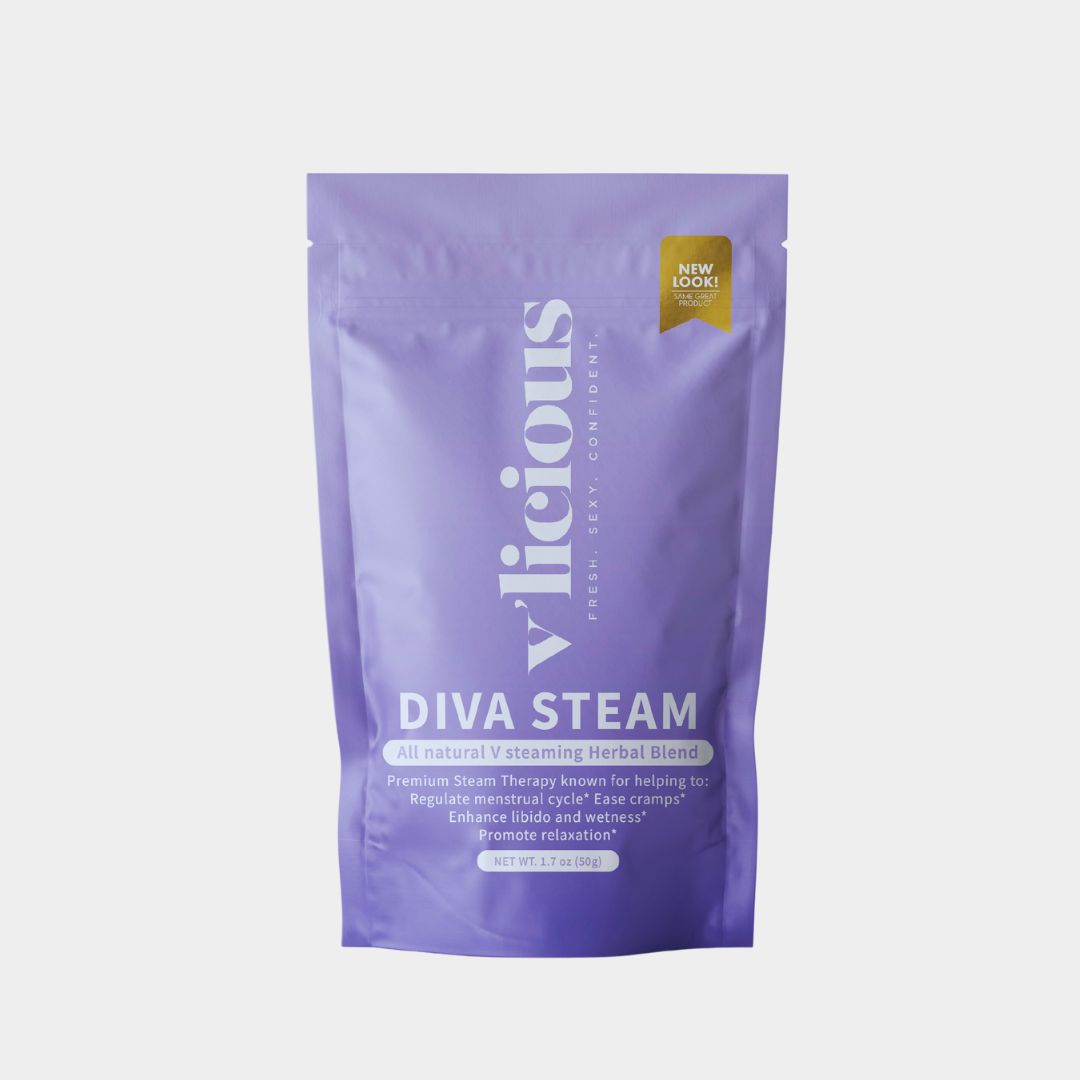


Manage My Subscription
Your routine, your schedule. Log in to your V'licious account to manage your Subscribe & Save order anytime. No calls, no emails, no hassle.
- Skip a delivery
- Pause
- Change your date
- Swap products or scents
- Switch 30 or 60 days
- Update your address or card
- Cancel
1
Sign in
Tap the button below and sign in with the email you used to subscribe. We'll send you a quick login code.
2
Open your subscription
In your account menu, choose Subscription Customer Portal.
3
Make your changes
Click Manage subscription to skip, pause, swap or update. Changes save right away.
Need a hand? Contact us and we'll take care of it for you.